After a Battery Disconnect, Record the OBD-II Monitor Pattern Before You Drive
A battery replacement, charging-system repair or deliberate code clear can leave a vehicle running normally while several emissions self-tests still read “not ready.” Before adding miles, connect the scan tool once and save the exact pattern. That first reading separates an expected reset from a communication fault or one monitor that was already struggling to complete.
The EPA inspection and maintenance guidance treats readiness status as information read directly from the on-board diagnostic system. A readiness result tells you whether a supported self-test has run; it is not a substitute for checking stored, pending and permanent trouble codes, the malfunction indicator lamp or the quality of the repair that came before the reset.
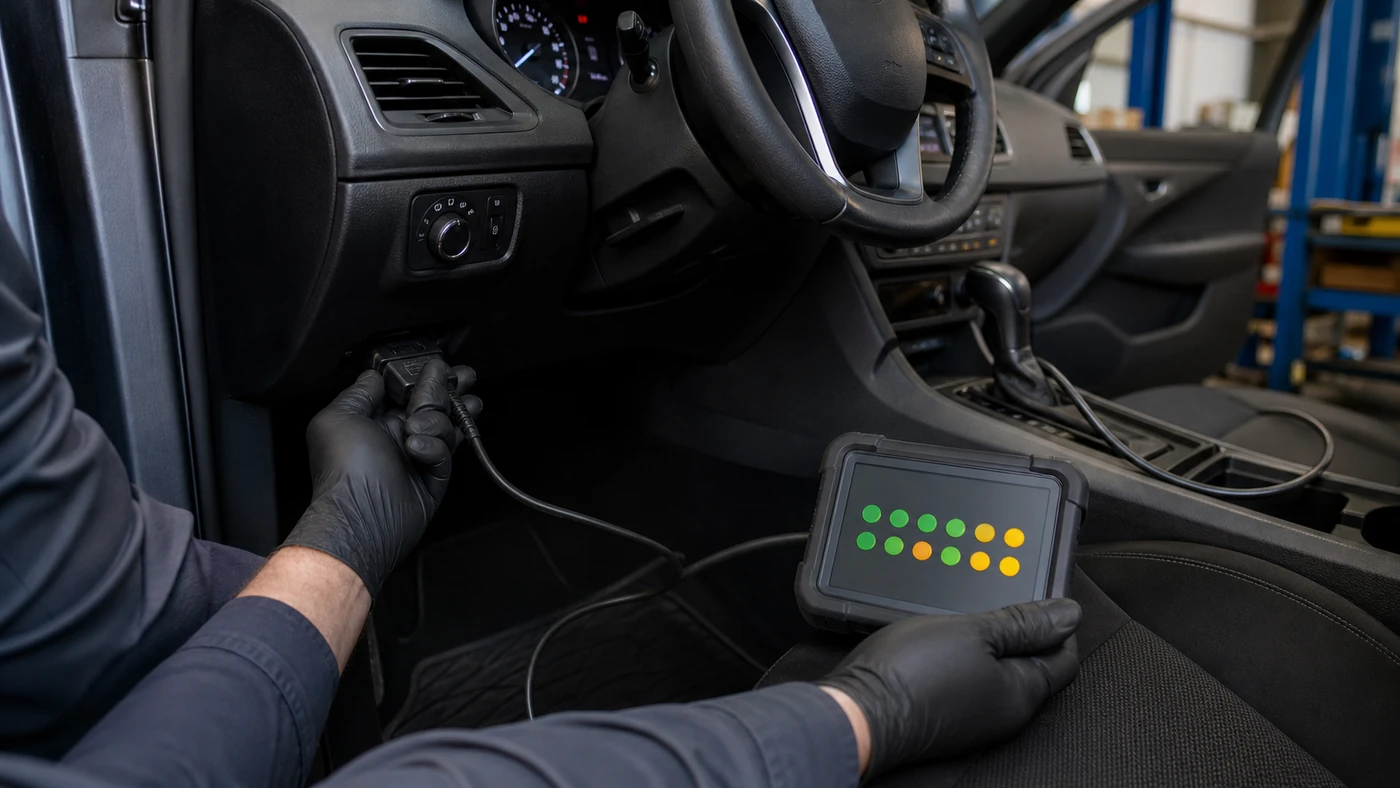
The pattern separates a normal reset from unfinished diagnosis
If several non-continuous monitors changed to not ready immediately after the documented battery event, the pattern is consistent with cleared memory. That does not prove the vehicle is fault-free. It only explains why completed self-tests must run again. The California Bureau of Automotive Repair's current OBD test reference notes that monitor completion depends on specific operating conditions and on the components required for each test working correctly.
A different pattern deserves a different response. One monitor that remains incomplete while the others finish may need a particular temperature, fuel level, speed, load or soak condition. It can also point to a pending fault that has not yet commanded the warning lamp. No communication is not a readiness result at all: inspect connector power, grounds, pin condition and network behavior before prescribing a drive.
| First scan shows | What the evidence suggests | Next useful check |
|---|---|---|
| Several non-continuous monitors not ready | A recent reset is plausible when the battery event is documented and communication is normal. | Save the list, confirm there are no current faults, then follow vehicle-specific conditions. |
| One monitor repeatedly incomplete | The required enable conditions may not have occurred, or a related fault may prevent the test from running. | Review pending codes, data plausibility and the manufacturer's monitor procedure. |
| Warning lamp or fault codes present | The vehicle needs diagnosis; more miles are not a repair strategy. | Document freeze-frame and code status before changing or clearing anything. |
| No scan-tool communication | The test result is unavailable, not “not ready.” | Prove connector power, ground, network access and tool compatibility. |
A controlled recheck beats an arbitrary mileage target
There is no honest universal promise that a fixed number of miles will complete every monitor. The New York DMV's consumer explanation of readiness monitor failures points owners first to the vehicle-specific drive cycle and warns that a generic cycle may not work for every model. Inspection rules also vary by state, model year and fuel type, so the local requirement should be checked before the customer returns for a test.
Build the recheck around the missing monitor rather than driving at random. Verify battery state and charging voltage, coolant-temperature plausibility, fuel level and the absence of a new pending code. Use safe, legal road conditions for any required cold start, steady cruise, coast-down or soak. Do not force a test condition in traffic and do not clear memory again merely to make the screen look tidy.
After the drive, reconnect the same tool and compare the new pattern with the saved baseline. Note which monitors completed, whether a code appeared and whether the warning lamp behaved normally. If the same monitor remains incomplete, stop adding mileage and move to the enable criteria and related system data. If a permanent code remains, remember that disconnecting the battery or pressing “clear” does not prove the underlying fault has been verified as repaired.
The final work-order note should include the battery or repair event, scan-tool connection result, monitor pattern before and after the drive, code status, warning-lamp state and the source used for the vehicle-specific procedure. That record gives the next technician a real starting point and prevents a normal reset from being confused with a failed inspection, while also preventing a stubborn monitor from being dismissed as “just needs more driving.”
Treat readiness as a changing diagnostic record: capture it before the drive, match the drive to the missing test, and compare the result before clearing anything again.